
How to Convert Fonts
From desktop font to web-ready format in under a minute. Follow our simple step-by-step process to convert any font format instantly.
Upload
Drop your font files or click to browse
Select Format
Choose one or multiple output formats
Convert
Processed in server RAM, then deleted
Download
Get your converted fonts with CSS
Detailed Conversion Process
A comprehensive walkthrough of each step in the font conversion process
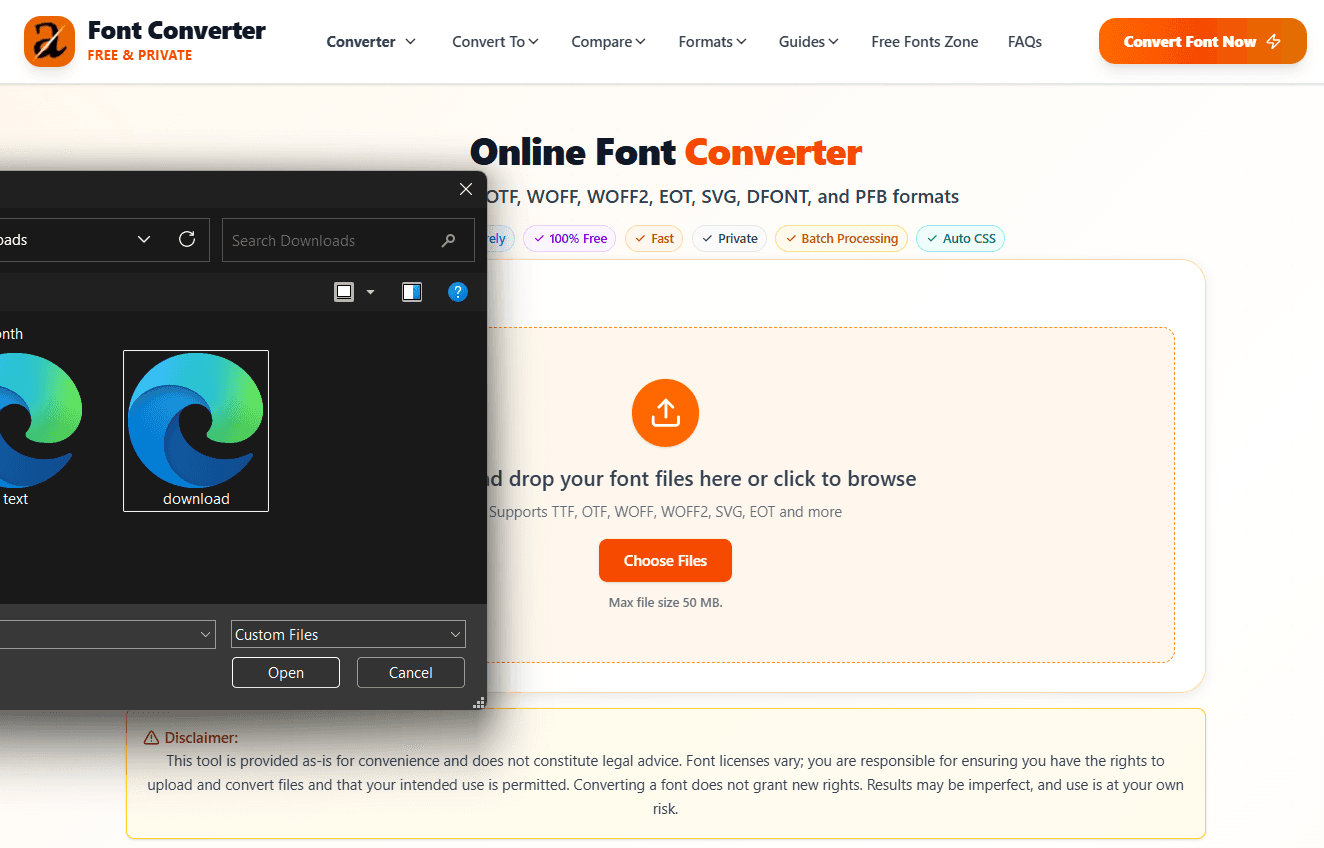
Upload Your Font Files
Start by uploading your font files to our converter. You can upload multiple files at once for batch processing. Supported formats include TTF, OTF, WOFF, WOFF2, EOT, SVG, DFONT, and PFB.
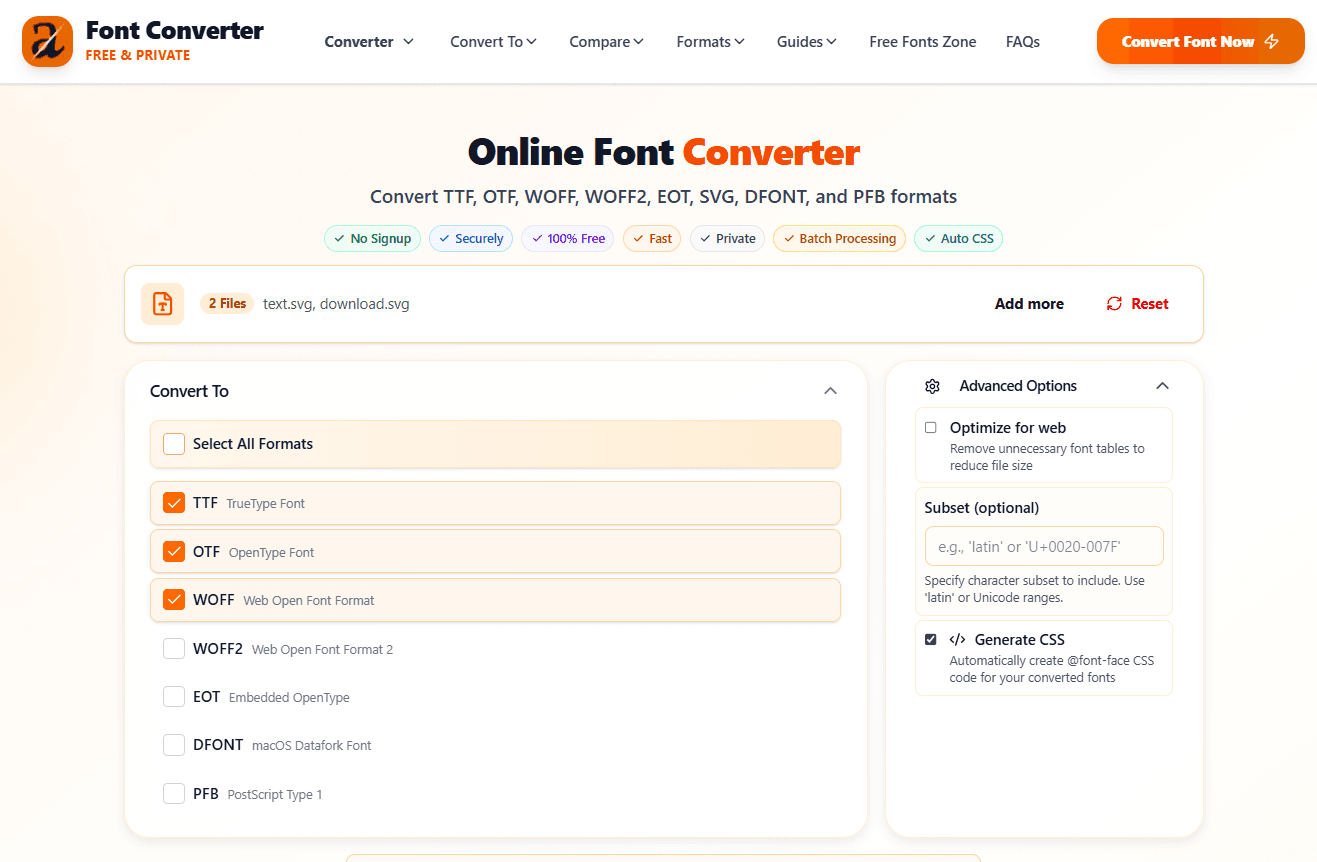
Choose Output Formats
Select which formats you need for your project. Choose based on browser compatibility needs and file size considerations. Most modern projects use WOFF2 for production.
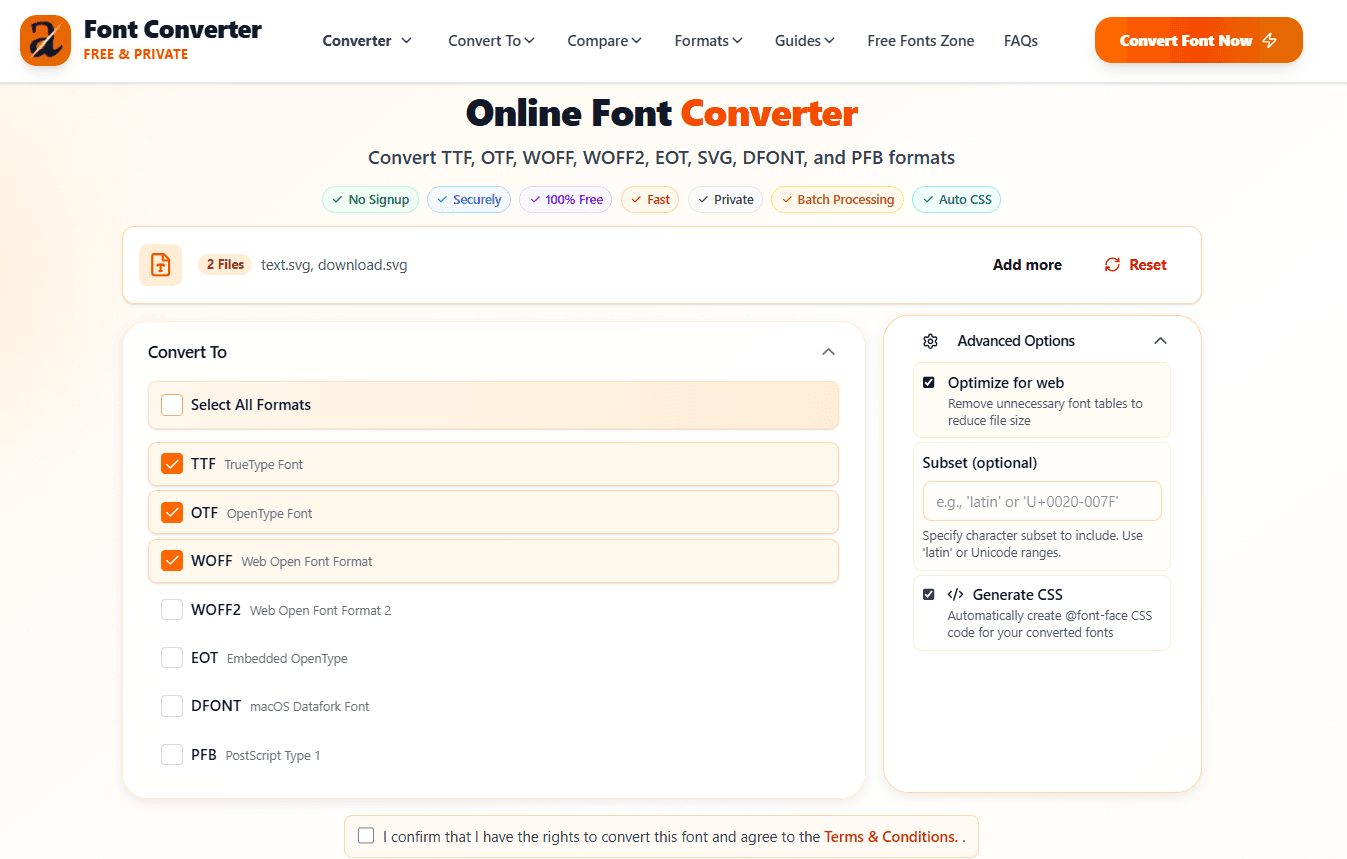
Configure Advanced Options
Optionally configure advanced settings like optimization, subsetting, and CSS generation. These options help you create the most efficient fonts for your specific use case.
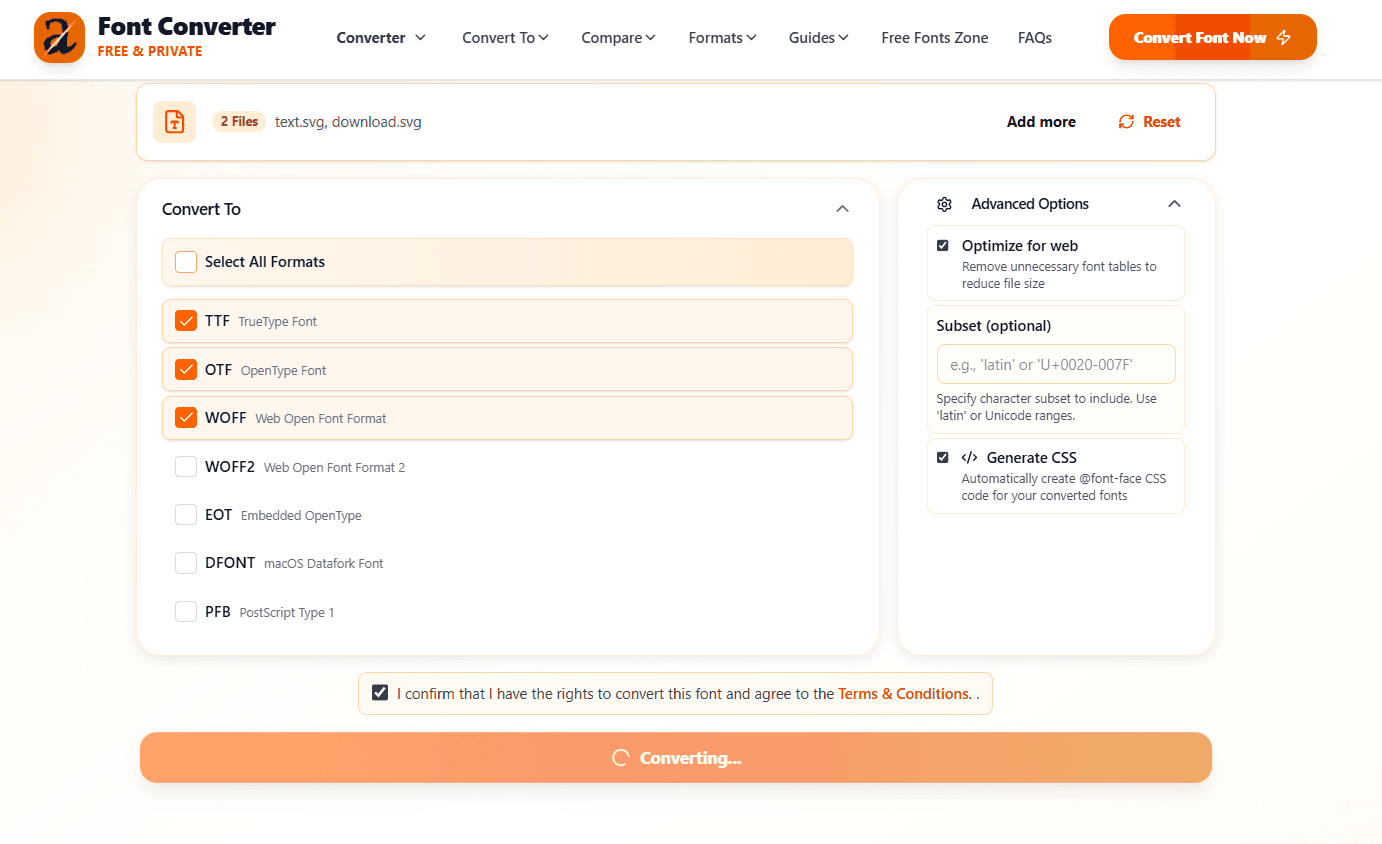
Automatic Conversion
Our converter processes your fonts instantly in server RAM only. Files are processed and immediately deleted - never written to disk or stored permanently. The conversion is fast and maintains font quality.
Get Auto-Generated CSS
Receive production-ready @font-face CSS code automatically. Copy it directly into your stylesheet and your converted fonts are ready to use.
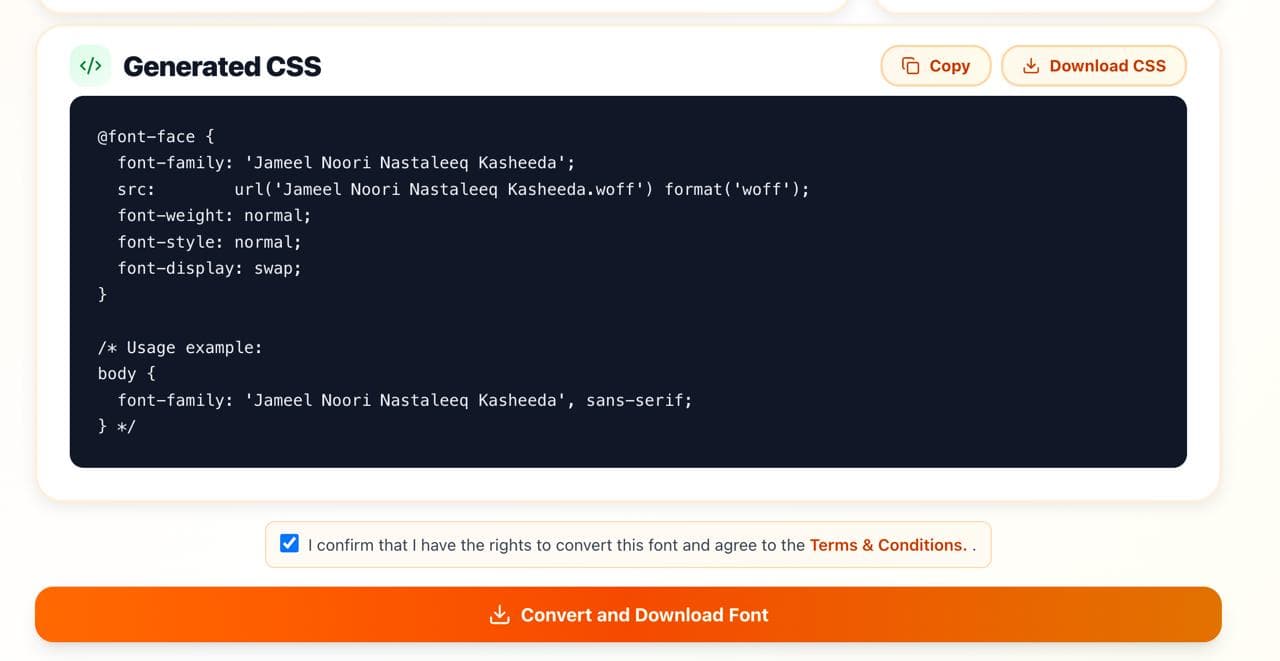
Download Your Converted Fonts
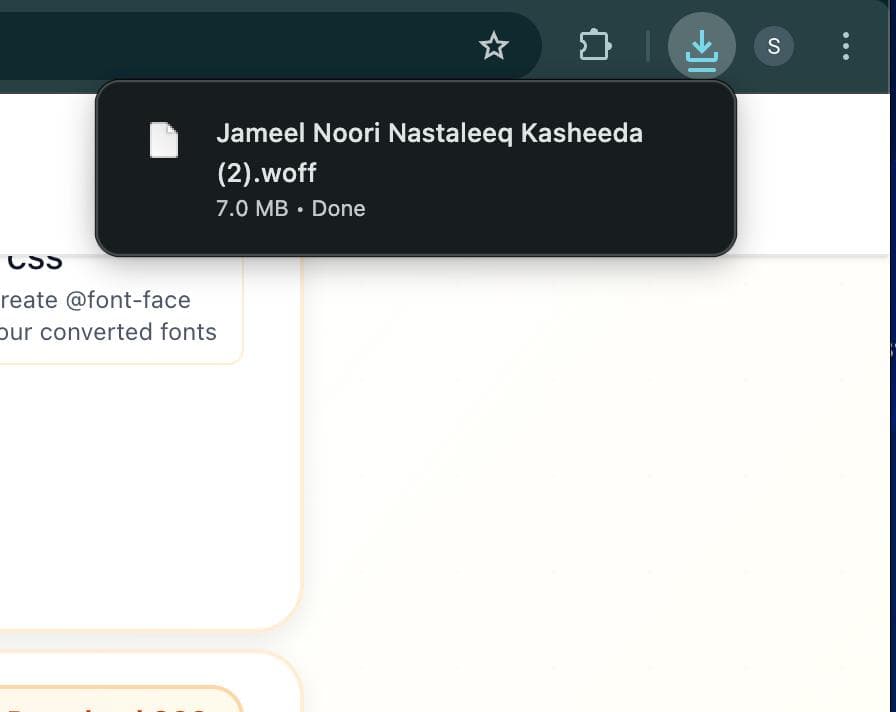
Download your converted fonts instantly. For multiple formats, you'll receive a ZIP file containing all formats. Single format conversions download directly as the font file.
Why Use Our Converter?
We've built the fastest, most private, and easiest font converter available
RAM-Only Processing
All font conversions happen in server RAM only. Files are processed and immediately deleted - never written to disk or stored permanently, ensuring complete privacy and security.
Lightning Fast
Convert fonts in seconds with instant processing. No waiting for servers or slow uploads. Batch convert multiple files simultaneously.
All Formats Supported
Convert between TTF, OTF, WOFF, WOFF2, EOT, SVG, DFONT, and PFB. Choose the right format for your specific use case.
Auto-Generated CSS
Get production-ready @font-face CSS code automatically. Save hours of manual CSS writing and implementation.
Quality Preservation
All font features, weights, and styles are preserved during conversion. Get pixel-perfect results every time.
Completely Free
No registration required, no premium plans, no hidden costs. Use our converter as much as you need at no charge.
Common Questions
Get answers to frequently asked questions about font conversion
How long does font conversion take?
Most fonts convert instantly, usually within seconds. Batch conversions of multiple files also complete very quickly thanks to efficient RAM-only processing.
Are my fonts secure and private?
Absolutely. All conversion happens in server RAM only. Your font files are processed and immediately deleted - never written to disk or stored permanently. You maintain complete control and privacy.
What formats are supported?
We support TTF, OTF, WOFF, WOFF2, EOT, SVG, DFONT, and PFB formats. You can convert between any of these formats based on your needs.
Is there a limit to file size or batch processing?
There are no file size limits or restrictions on batch processing. You can convert single files or process multiple fonts simultaneously at no extra cost.
Will the converted fonts look exactly the same?
Yes. The conversion process preserves all font features, weights, styles, and characteristics. Your converted fonts will look and behave identically to the originals.
Do I need to pay or create an account?
No. Our converter is completely free with no registration required. Start converting fonts immediately without any account setup or payment information.
Ready to Convert Your Fonts?
Start converting your fonts now. It's free, fast, and completely private. No account required.
Start Converting Now